Share a solution
In Flowstate, a new Solution that you create is (by default) only visible to you. When you’re ready to share your Solution with your organization:
- In the Portal, click the three-dot menu next to your Solution.
- Select “Share with Organization”.
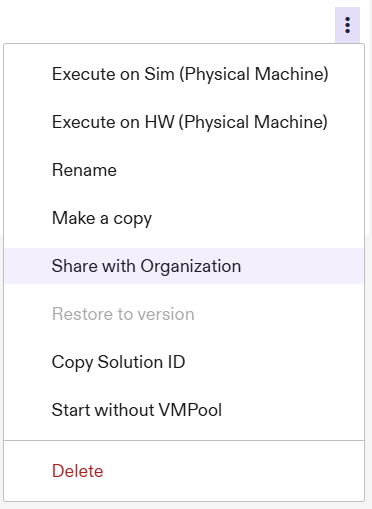
You’ll see a notification at the bottom of your screen if sharing was successful.
Make a shared Solution private
If you change your mind and no longer want your Solution to be shared with your organization:
- In the Portal, click the three-dot menu next to your Solution.
- Select “Make private”.
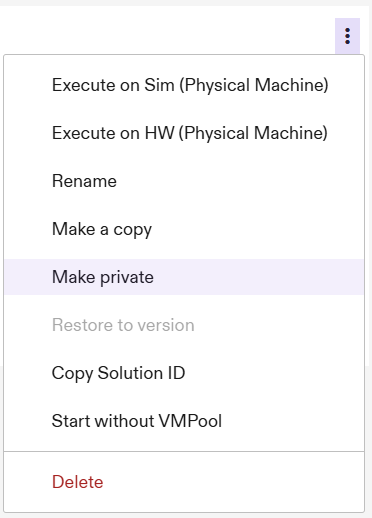
Again, you’ll see a notification if the change was successfully made. Other members of your organization will no longer be able to view your Solution in the Solutions table.