Add hardware from catalog
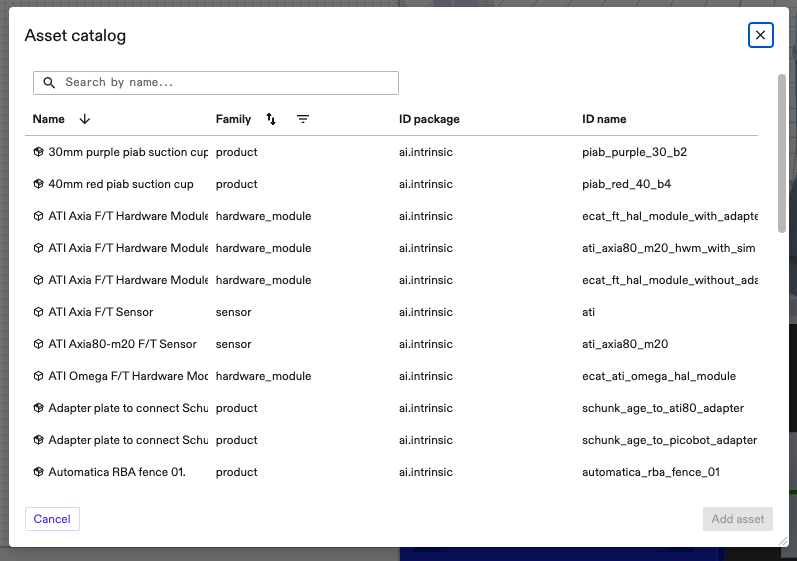
The Asset catalog contains all hardware assets that have been provided by Intrinsic. Importing from the asset catalog is a simple way to populate your digital workcell with hardware assets.
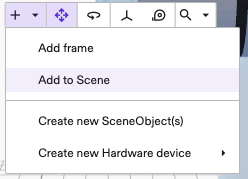
- Open the catalog dialog by clicking the + button in the toolbar on the scene editor of the frontend.
- Select Add Asset from the drop-down. You can search assets by name, filter by family (i.e. type of asset) or sort by name or family.
- Select the asset you want and click Add asset.