Portal
After you sign in, you'll arrive at the Home page in the Flowstate portal. The portal is where you'll manage your solutions and account settings.
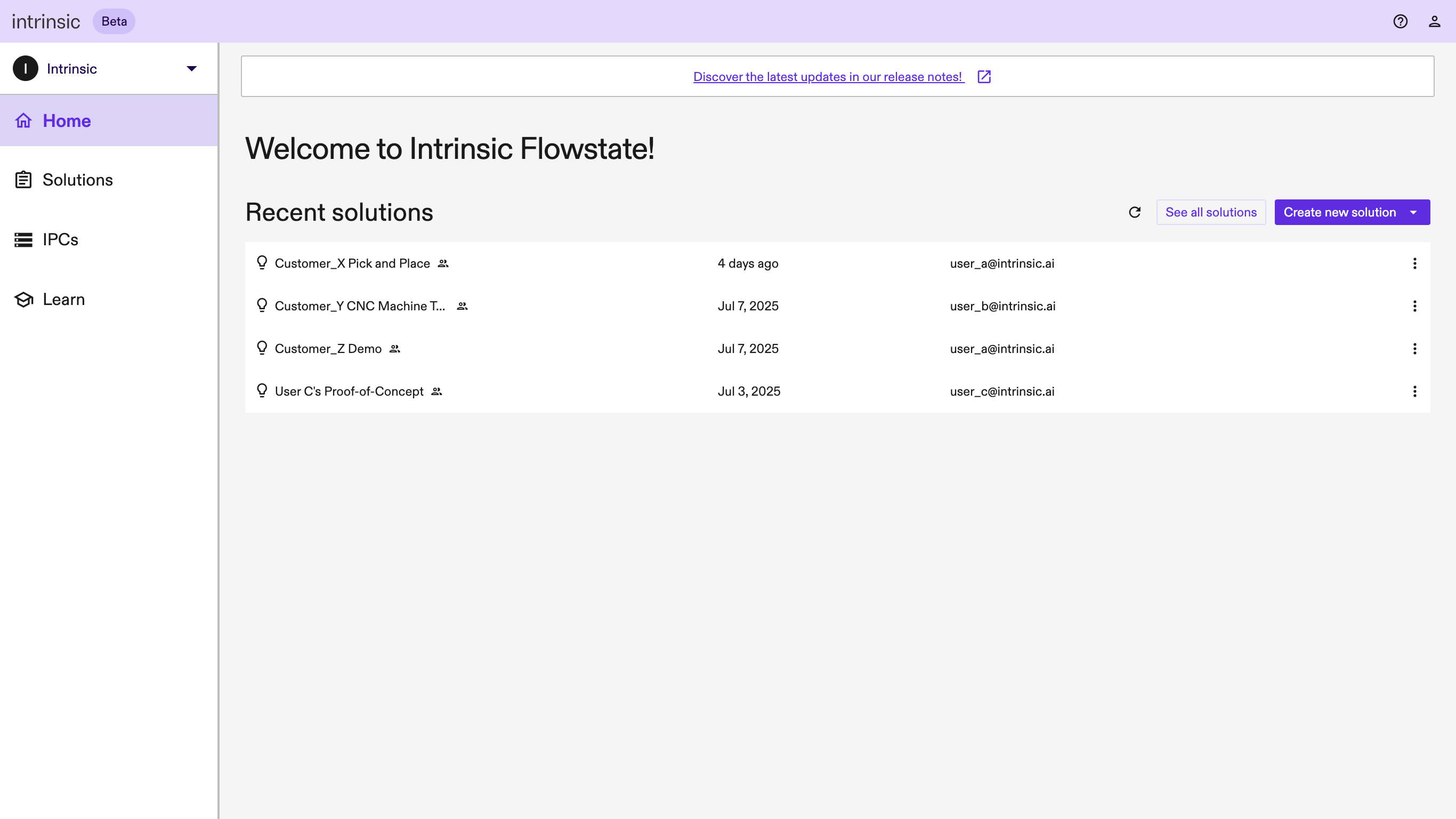
The left (navigation) panel contains links to the pages available in the Portal, with the page content displayed on the right:
- Home page: Currently shows the most-recently modified solutions available in your workspace, with buttons to create a new solution or see the full list of solutions. Until you create a solution or have a solution shared with you, the table will be empty. The Home page will evolve as we add more pages to the Portal.
- Solutions page: Shows the full list of solutions available in your workspace. Until you create a solution or have a solution shared with you, the table will be empty.
- IPC page: Allows you to add, view, and manage your industrial PCs (IPCs). You’ll need an IPC to deploy a solution to real hardware.
- Learn page: Offers quick links to our tutorials, documentation, and Get Help section in the developer documentation site.